Read Japanese, line by line.
A free reader for iPhone and iPad. Open a story, a comic or a video, read it one line at a time with furigana, and tap any word for its dictionary entry.

FreeNo accountNo adsNo trackingPacks and progress stay on your device

Try it on a real line.
The first line of 蜘蛛の糸 by 芥川龍之介. Tap a word. Switch the layers the way you do in the app.
aru hi no koto de gozaimasu.
It happened one day.
One line at a time, with everything underneath.
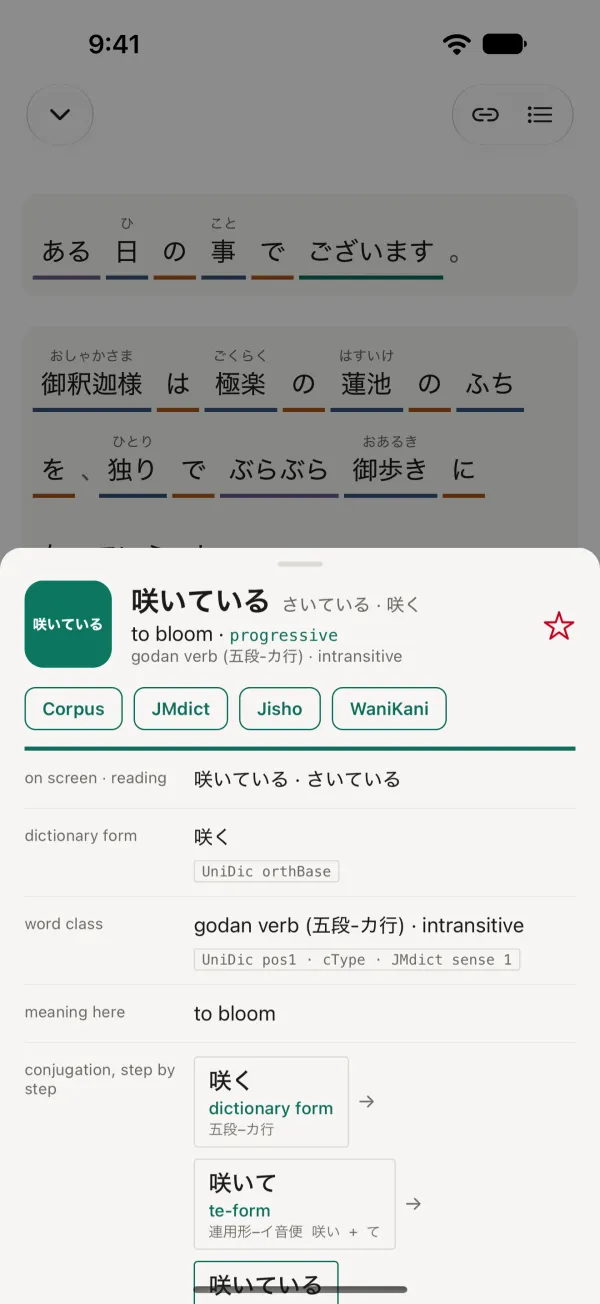
Tap a word.
Its meaning here, its dictionary form, how it conjugates and its entries in JMdict. Close the sheet and you are back on the line.
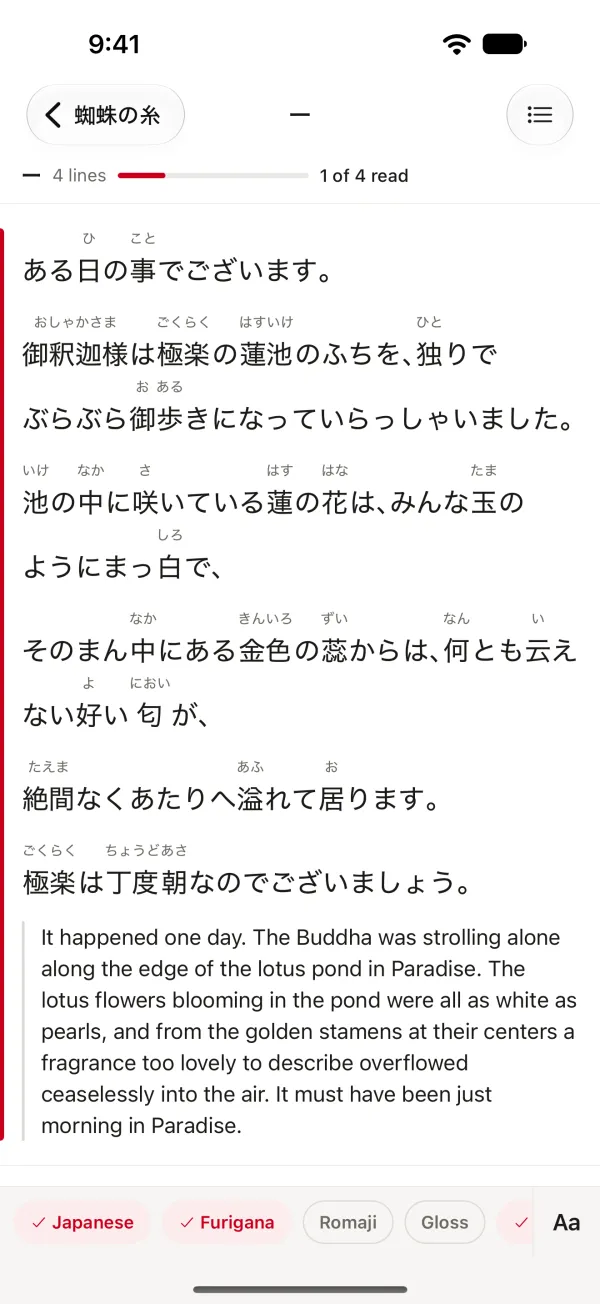
A translation underneath.
Show it, hide it, or add a second language when the pack has one. Read the Japanese first and check yourself after.
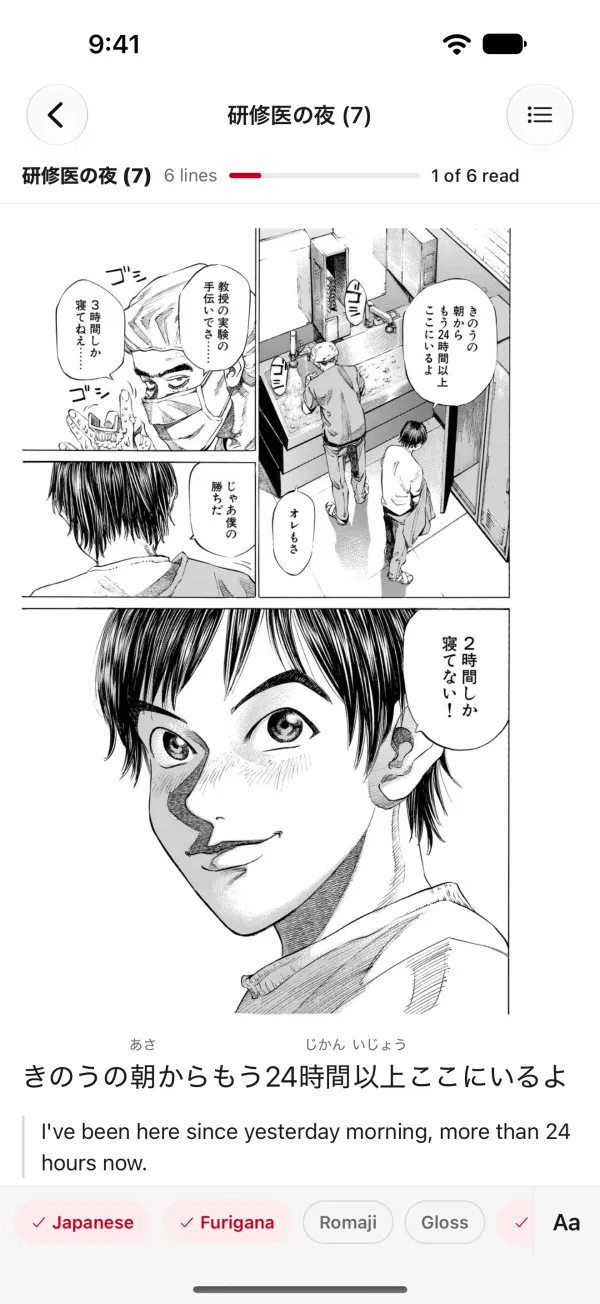
Comics, panel by panel.
Read a page, then the text of each panel with its furigana and translation.
Shown here: ブラックジャックによろしく by 佐藤秀峰, used under the author's free-use terms.
Read along with a video.
Link a video file from Files and the lines follow the audio, each with furigana and a translation. Tap a word and the video pauses on its dictionary entry. Close the entry and it carries on.
Shown here: Kizuna AI's SCP財団 video (CC BY-SA 3.0), one of the packs included in the app.
Three packs to start.
The content comes in packs. Kotowa includes these, and you can add your own.
- 蜘蛛の糸
- ブラックジャックによろしく
- 新種のSCPが怖すぎる件
Bring your own text.
Add a pack from the Files app or from an address. A pack is a folder of plain JSON files, so an AI assistant can write one for you from a text, subtitles or comic pages. Give it the guide.
https://kotowa.gellyfish.dev/make-a-pack.md
A pack you add is yours, for your own use. You are responsible for having the right to use what is in it.
"source": "今日は雨だ。",
"furigana": [
  { "text": "今日", "reading": "きょう" },
  { "text": "は" },
  { "text": "雨", "reading": "あめ" },
  { "text": "だ。" }
],
"gloss": [
  { "japanese": "今日", "pos": "noun",
    "translations": { "en": "today" } },
  { "japanese": "は", "pos": "particle",
    "translations": { "en": "topic marker" } }
]No account.No ads.No tracking.
Your packs, progress and settings stay on your device, and nothing is sent to us.
Read the privacy policy. Questions or problems: see support.